Episodes from your photos
Photos that file themselves into an episode
Photos from a holiday, an event or a trip file themselves into a named episode. No account, no ads, your photos stay on your phone.
Three steps, no sorting of photos
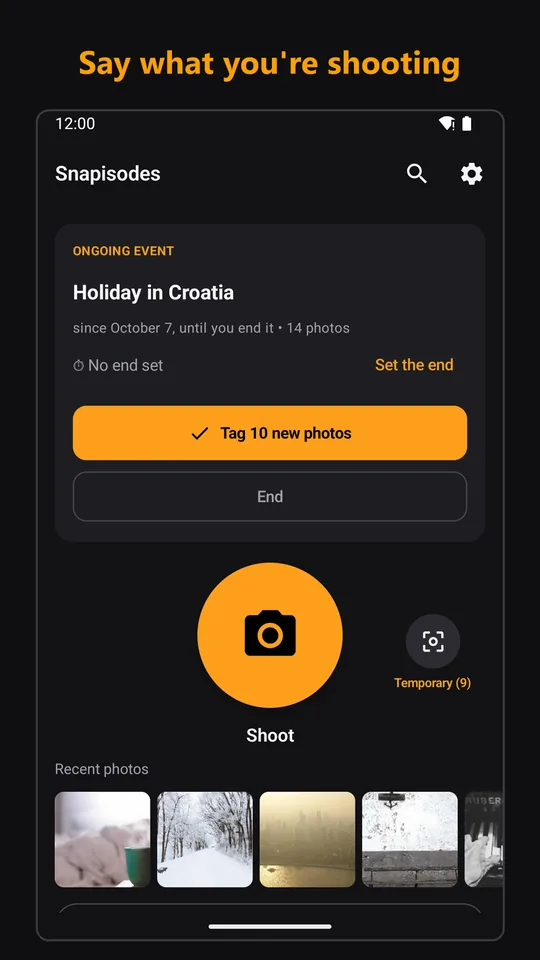
Say what you're shooting
“Holiday in Croatia, from now on.” Start an event with one tap – until a given time, or until you end it yourself.
Shoot as you always do
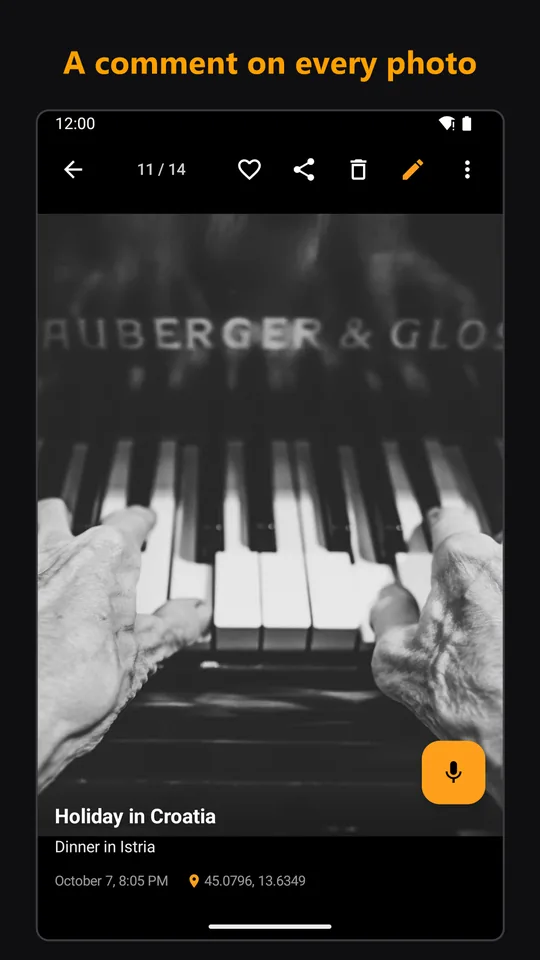
With your phone's regular camera app and all its modes. Snapisodes only adds the story – add a few words to any photo, typed or dictated.
The episode is done
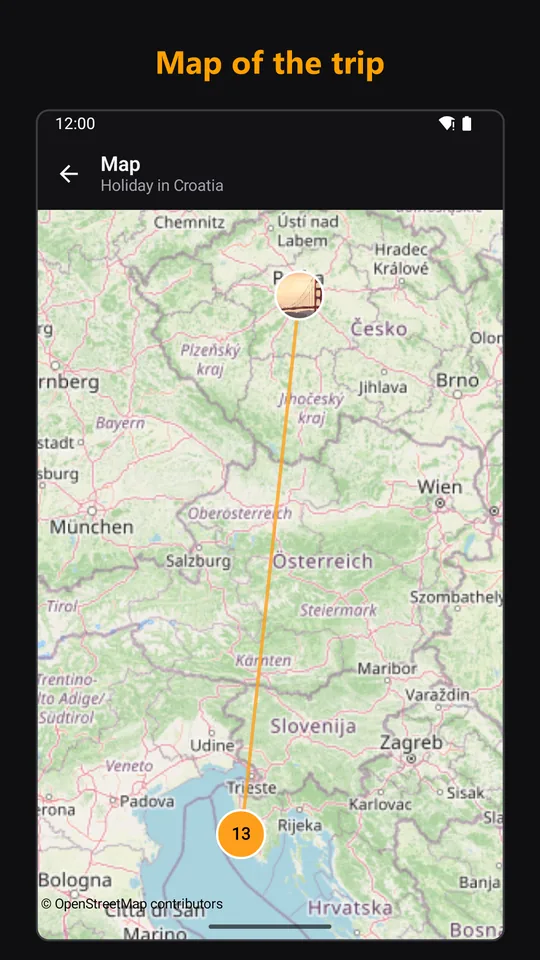
Map of the trip and comments day by day included. File any photo or a whole day into an episode afterwards; for photos without one, the app suggests episodes itself.
Sharing an episode
One episode for the whole family or group
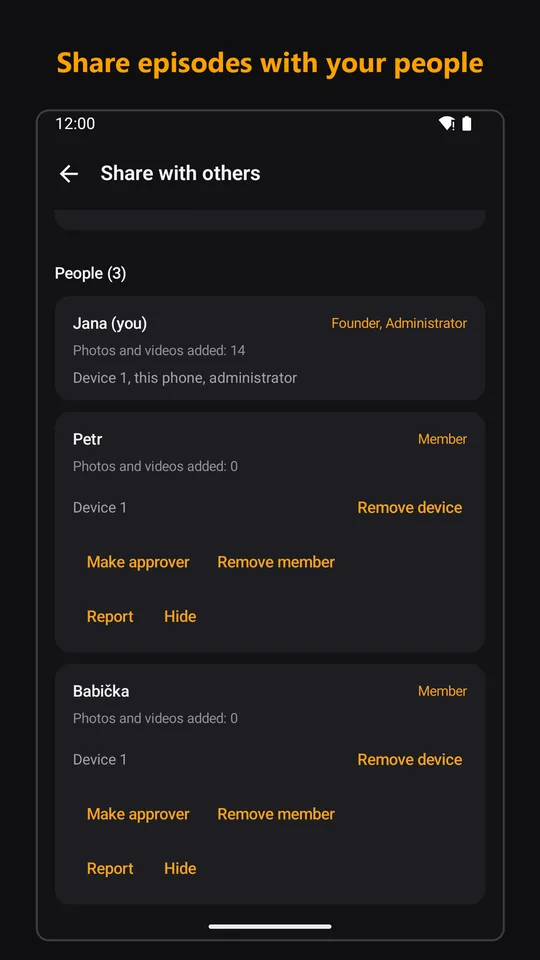
Invite people by QR code or link and add photos, videos and comments to one shared episode together. Everyone's photos appear for everyone, by themselves – between Android phones, nearby or over the internet.
- Nearby, content travels directly between phones over Bluetooth and Wi-Fi, with no limit.
- At a distance over the internet, the episode is delivered through our server, which works only as a temporary mailbox (14 days at most); the content is encrypted on your phone already and the server cannot read it.
- People you invite receive copies; what they have already received cannot be taken back. When sharing and exporting, GPS location is removed from copies for others by default.
Your photos stay yours
- The app does not modify your original photos and videos.
- Episodes and comments stay on your phone; when sharing over the internet, only an encrypted copy passes through the server for delivery.
- No user account, no ads; nothing is shared until you switch it on.
Free for good, Vše for those who want more
The price is shown only in Google Play – by country and including VAT.
Free
- 10 new episodes a month with all their photos, comments, map and search
- Backups and export
- Unlimited nearby sharing and receiving shared episodes
- The first episode shared over the internet (up to 10 photos, no videos)
Subscription
Snapisodes Vše
- Unlimited episodes
- Sharing over the internet
- Smart features: automatic episodes from GPS, photobook (print-ready PDF or ZIP), episode story as PDF, longer comments, merging episodes
Price including VAT depends on your country and is charged by Google Play. The subscription renews automatically until you cancel it in Google Play; you see the price and any trial offer in Google Play before you buy.
What the app looks like
Trips, family, garden, jobs
Travellers, families, gardeners, collectors of moments and tradespeople (“Novák job, until 3 pm”). The app is not intended for people under 16.
Support is right in the app: Report / get advice. The report arrives with the needed technical details and you find the reply under “My reports”.